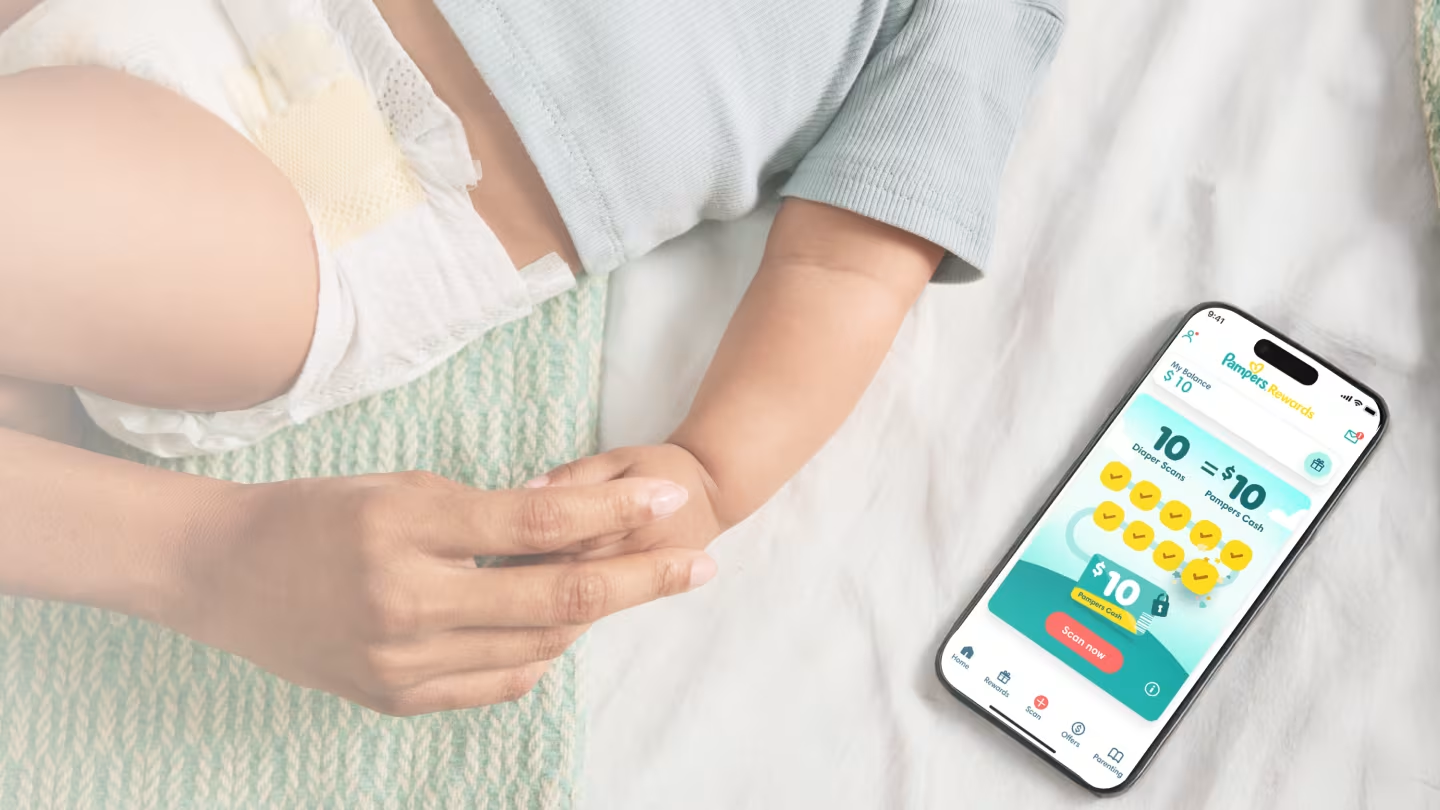
Save on Diapers with Pampers
Join 1.5 million+ parents saving on diaper changes
How it works
How to start earning rewards
STEP 1
Download
Register and download the app
STEP 2
Scan
Scan or enter your diapers and wipes code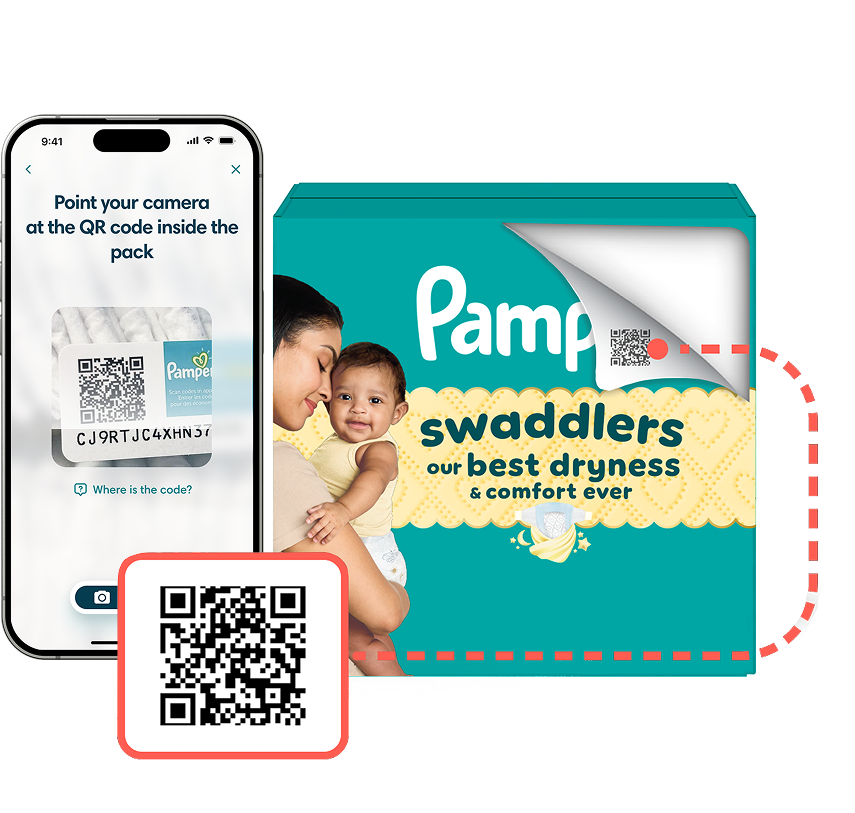
STEP 3
Save
Redeem your savings at your favorite stores!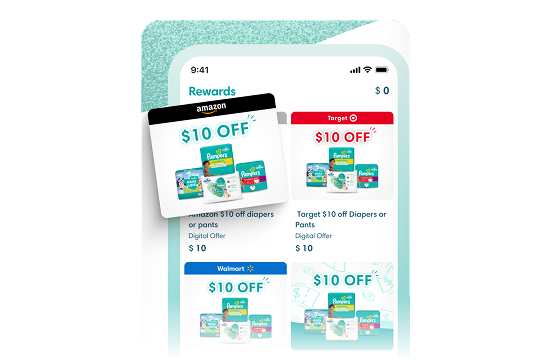
Earn Extra Pampers Cash

Share your referral code
Simply copy/paste from the app

Your friends register
Takes only a few minutes

Your friends scan their packs
You both cash in on the first scan!

Join over 1.5 million parents
The Parent Tested, Parent Approved App

“It feels good to get rewarded for having an infant and a toddler. Thanks Pampers!„
Lilia
Mother of 5
Discover Our Rewards Program


Start saving now with Pampers!
Get $10 off for every 10 diaper scans and earn extra bonuses when reaching new milestones. Most boxes have 2 scans, so you'll be earning rewards in no time!
Rewards Frequently Asked Questions
Frequently asked questions ordered by popularity.
What is Pampers Rewards?
Pampers Rewards is a loyalty program available via a mobile app, that can be downloaded on Android or iPhone. Collect and redeem Pampers Cash to redeem for savings on Pampers products. You’ll get $10 Pampers Cash for every 10 diaper scans - most boxes have 2 scans!
How does Pampers Rewards work? How do you earn?
Just download the app, create an account, and you’re ready to start earning in minutes, for free (no subscription, no hidden fees: just rewards for buying Pampers). For every 10 diaper scans you will receive $10 Pampers Cash which you can redeem in our Pampers Rewards catalog.
How do I join Pampers Rewards?
Download the Pampers Rewards mobile app from the Play Store or the App Store, enter your details to join and you’re in!
Is it free?
Yes, it’s free to download the app and join Pampers Rewards.
Can I sign up using my Pampers.com login details?
Yes, if you have already joined Pampers.com you can use the same login details for the app. You will need to download the app from Google Play or the App Store.
How long does it take for the Pampers Cash to appear on my account?
Pampers Cash should be added within 24 hours. Please see the details for the specific offer.
Will my Pampers Cash expire?
Your Pampers Cash will expire 6 months after it has been added to your balance and/or if your account is inactive for more than 6 months. Make sure you use your Pampers Cash regularly to get your savings!
How do I obtain my Pampers digital offer?
Go to the Rewards section of the app to order a reward. You can view rewards you already ordered by clicking “See your claimed rewards” at the top of the rewards section.
How do I use my Pampers digital offer?
We want you to get the most out of our digital offers, so we put together a quick video explaining how to use them in store and online. To start saving right away, redeem Pampers digital offers by watching our quick video guide.
Can i use the application on multiple devices at the same time?
At Pampers, we prioritize the security of your rewards and personal data. To ensure your information remains safe, the Pampers Rewards app can only be used on one mobile device at a time. You are allowed to install the app on two devices sequentially using the same account. This means if you switch to a new phone three times, the third device will not be able to connect to your account and the error "Max Device Limit Reached" will be displayed. If you encounter this issue, please contact our customer service team, and we’ll be happy to assist you in unlocking your account.
Where can I find the Pampers code?
Inside diaper packs on a small sticker, or printed directly on wipes packaging.
How do I use a reward in-store?
Show the barcode in the app at checkout once your items are scanned.
The app won’t open or is stuck loading—what should I do?
Update the app, restart your phone, and turn off any VPN.